
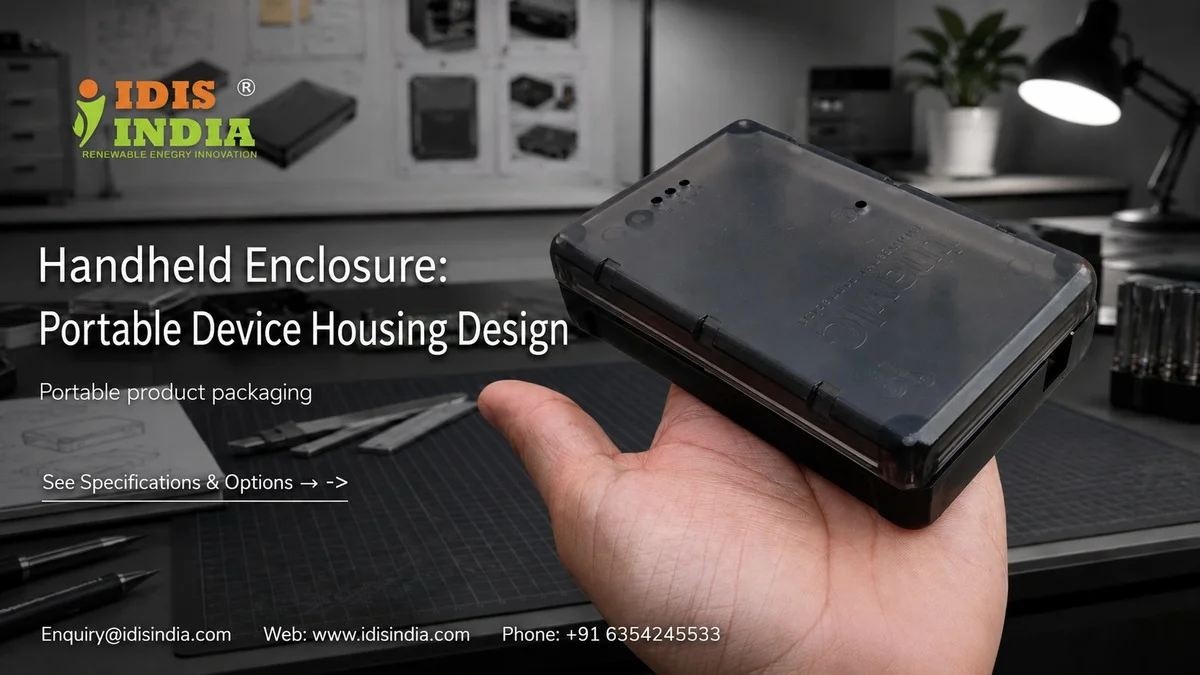
Your mobile device requires more than just some kind of protective covering; it requires a well-constructed porous enclosure that provides sufficient support to your mobile device’s durability, ergonomics & functionality. Some examples of this could be when designing test instruments, hand-held monitors or controlling remote equipment. In all of those situations the only way to ensure user satisfaction is for the enclosures you design to provide ways of providing users with comfortable extended time periods during usage. At IDIS India, we have assisted over 1200 clients create portable working environments that endure real world usage conditions while providing comfort to their users during multi-hour usage period. We design and produce waterproof portable electronic enclosures at our facility located in Ahmedabad, India for use by our clients. We produce enclosures rated IP65 and IP67 protection levels and have developed enclosures out of ABS plastic, Polycarbonate and PC/ABS plastics. Picking an appropriate non-destructive mobile enclosure can be difficult and is more than selecting an enclosure as a black box. Picking an appropriate enclosure to hold your mobile device is just as important to your product & moving forward without you.
Grip Ergonomics Design for Extended Use

Users will handle your handheld device for hours. Designers of poor gripping designs cause their products’ durability to be weak, causing them to be dropped and eventually returned. The best design when designing a Handheld Enclosure on a handheld device would be to design the enclosures with a curved surface that closely mimics how the human hand fits naturally around the enclosure. Textured gripping zones allow for added grip and help eliminate chances of slipping off the enclosure during use, especially in an Industrial area where gloves are worn most of the time. Based on your specific requirements, I-closure handheld enclosures may use raised ridges and/or dimpled surfaces and/or rubberized material coatings. Based on the width of the hands of the average size user, typically, our recommended diameter will range from approximately 35-45mm for comfortable use by users. However, based on the size of the user’s hand, this recommended grip diameter may vary depending on the type of use and the size of the user’s hand. The weight of the enclosure will also affect the user’s ability to use the enclosure comfortably; more specifically, even with perfect ergonomics, a heavy-size handheld enclosure becomes tedious after a period of time. In creating the appropriate thickness of the various materials, we try to balance the thickness of the materials we use for shielding the enclosure and the weight of the handheld enclosure. The typical weight of handheld enclosures may vary from 150g to 300g depending on the design characteristics and features of the handheld enclosure that you create.
Battery Compartment Access Solutions
A simple method for replacing batteries in a handheld device without using tools or requiring technical know-how is possible by designing the enclosure of the device to allow for fast and straightforward access to batteries, while still providing a degree of environmental sealing. An example would be a sliding battery compartment, where the user simply slides open the battery compartment, replaces the battery, and then slides the compartment closed again. If properly sealed, the sliding battery compartment will still meet either IP65 or IP67 ratings.
A second method of accessing battery power would be using a compartment secured by a twist-lock mechanism, which will provide extremely secure battery retention in environments with heavy handling (due to the ability to prevent unintentional release of the battery due to dropping or impact). However, when needing to change batteries very quickly in emergency situations, this mechanism will delay getting a new battery in place.
If batteries are to be recharged, the device can be outfitted with an external charging port, which eliminates the need to have to access the batteries at all. The enclosure of the device can have a sealed USB-C or other type of proprietary charging port that provides environmental protection.
Another feature of the design of the handheld enclosure will include an opening for a battery indicator window, which will provide the user with the ability to see the amount of power remaining in the battery without having to open the battery compartment. This will greatly enhance the user experience and help to avoid unexpected power loss during critical operations.
Drop Test Impact Engineering
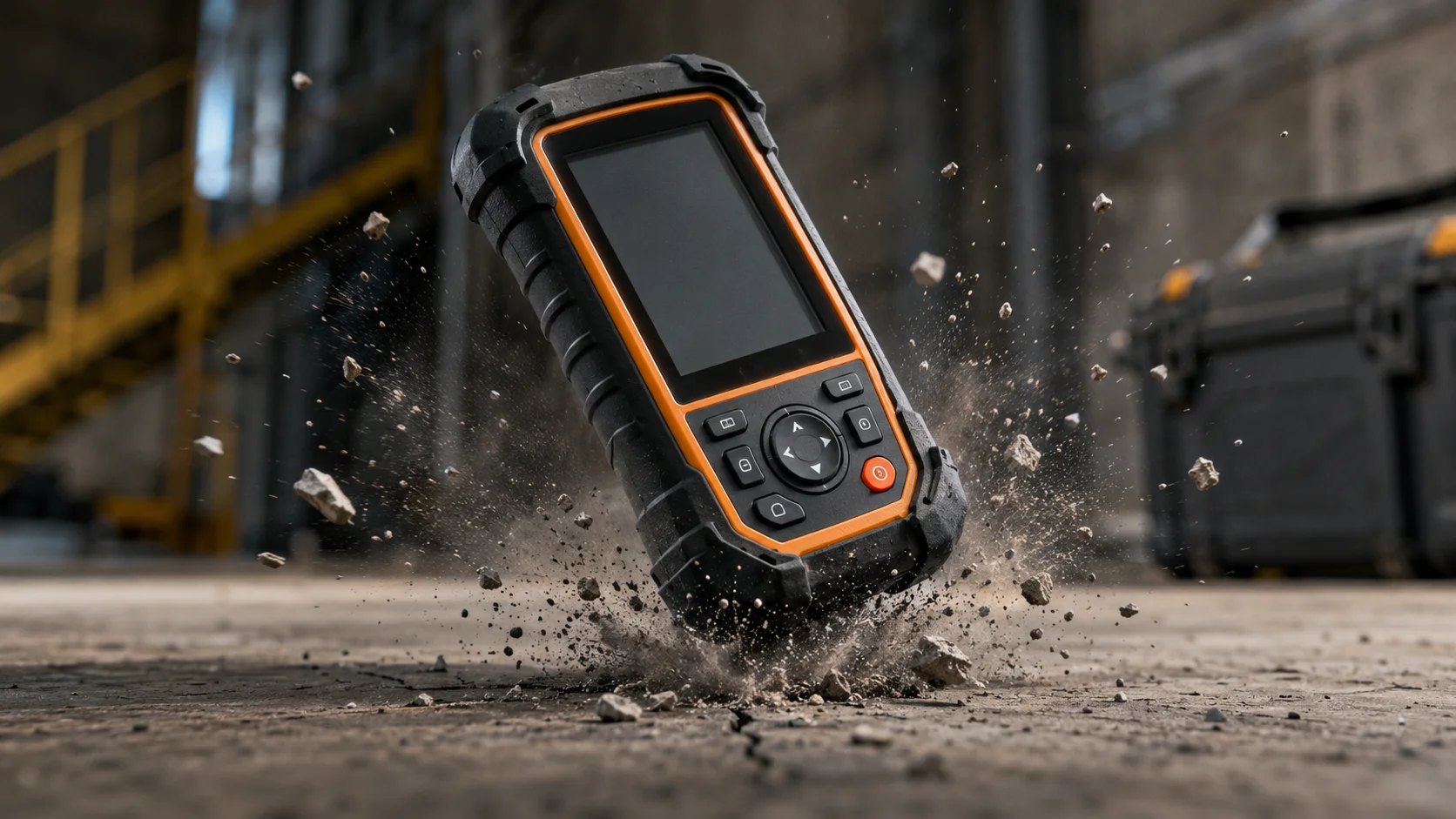
Field equipment will fall at some point; it depends only on when it happens and how many times it occurs. Your portable enclosure needs to be able to withstand multiple drops from reasonable usage heights and keep its electronics intact. The reinforcement around the corners of your enclosure helps to distribute the forces through the enclosure’s structure upon impact from dropping the enclosure on its corner(s). Corners with sharp edges tend to crack more frequently and create the concentration of high-stress levels, while corners that are rounded with internal ribs can disperse the drop force. Our engineering team at IDIS India designs corner profiles to prevent breakage when dropped from approximately 1.50 meters onto concrete surfaces. Material selection plays a very important part in drop performance characteristics. Of the materials that we use, ABS has a consistency of impact resistance for lower cost, whereas Polycarbonate has superior performance characteristics in extreme environments. The combination of PC/ABS achieves an optimum balance between both of these properties for moderate use applications. Internal shock mounting systems are used to help protect sensitive components from impacts that were transmitted through the walls of the enclosure. Flexible standoffs as well as cushioning materials can isolate circuit boards from sudden acceleration forces. The wall thickness determines how well the enclosure can absorb the force from a drop and perform without the risk of under or over-weighting. Walls that have insufficient thicknesses are likely to crack upon impact while walls with excessive thicknesses contribute unnecessarily to weight. For most handheld applications, we typically recommend a minimum wall thickness of 2.5mm, subject to stress analysis for the specific application.
Button Layout Optimization
When using handheld devices, users should want to operate them without constantly looking at the controls. As such, the way we design the buttons must allow for a comfortable, natural feel, which will help keep the user from accidentally activating controls. Having easy access to main controls is crucial. The primary control buttons should all be placed under the user’s thumb when holding the device naturally. Emergency stops/power buttons and functions commonly used should all be easily accessible to the thumb without re-positioning the device in the user’s grip. Secondary control buttons can be located in finger locations on either side of the device or on the back of the device. These locations are typically appropriate for mode selection, settings, or calibration functions, which do not usually require frequent activation. Button spacing will enable the user to avoid accidentally pressing two buttons at once when wearing gloves while using the device. Industrial and construction workers frequently wear heavy work gloves, which reduce the tactile sensations and precision of their fingers. For this reason, we suggest a minimum button spacing of approximately eight (8) to ten (10) millimeters (center-to-center) however this number may change based on your user needs. Providing tactile feedback allows users to confirm they’ve pressed a button without visually confirming the press. The use of raised buttons, textured surfaces, or varying actuation forces (switching operations) allows users to identify a control by feel.
Weight Distribution Balance
A handheld device that is not balanced will cause wrist strain and less precise control. Proper weight distribution can make using a device comfortable for long periods of time and improve how accurately the device is handled. The location of the center of gravity affects how the device feels when being used. Devices that are top-heavy leave users feeling fatigued quickly and give an impression of instability while being used. On the other hand, devices that are bottom-heavy will provide stability but may seem to be slow when moving. In an ideal situation, the center of gravity should be located close to the center of the grip. The location of the various components will have a major impact on how balanced the completed product will be. For instance, heavy components such as batteries, transformers, or metal assemblies should be located close to the grip whenever possible. However, light-weight components may be located farther from the center point without affecting balance. Battery location provides the greatest potential for improving balance because, in most handheld devices, they are among the heaviest single component. Because moving the battery location when designing the i-closure will cost less than moving other components after the design is completed, it is in the designer’s best interest to locate the battery as early in the design process as possible. Whenever the designer is unable to locate a particular component in the optimal position for balance purposes, adding counterweights can be used to provide balance. Small metal inserts or dense plastic sections can help achieve proper weight distribution, but they will increase both the cost and the overall weight of the device.
Portable Cable Management
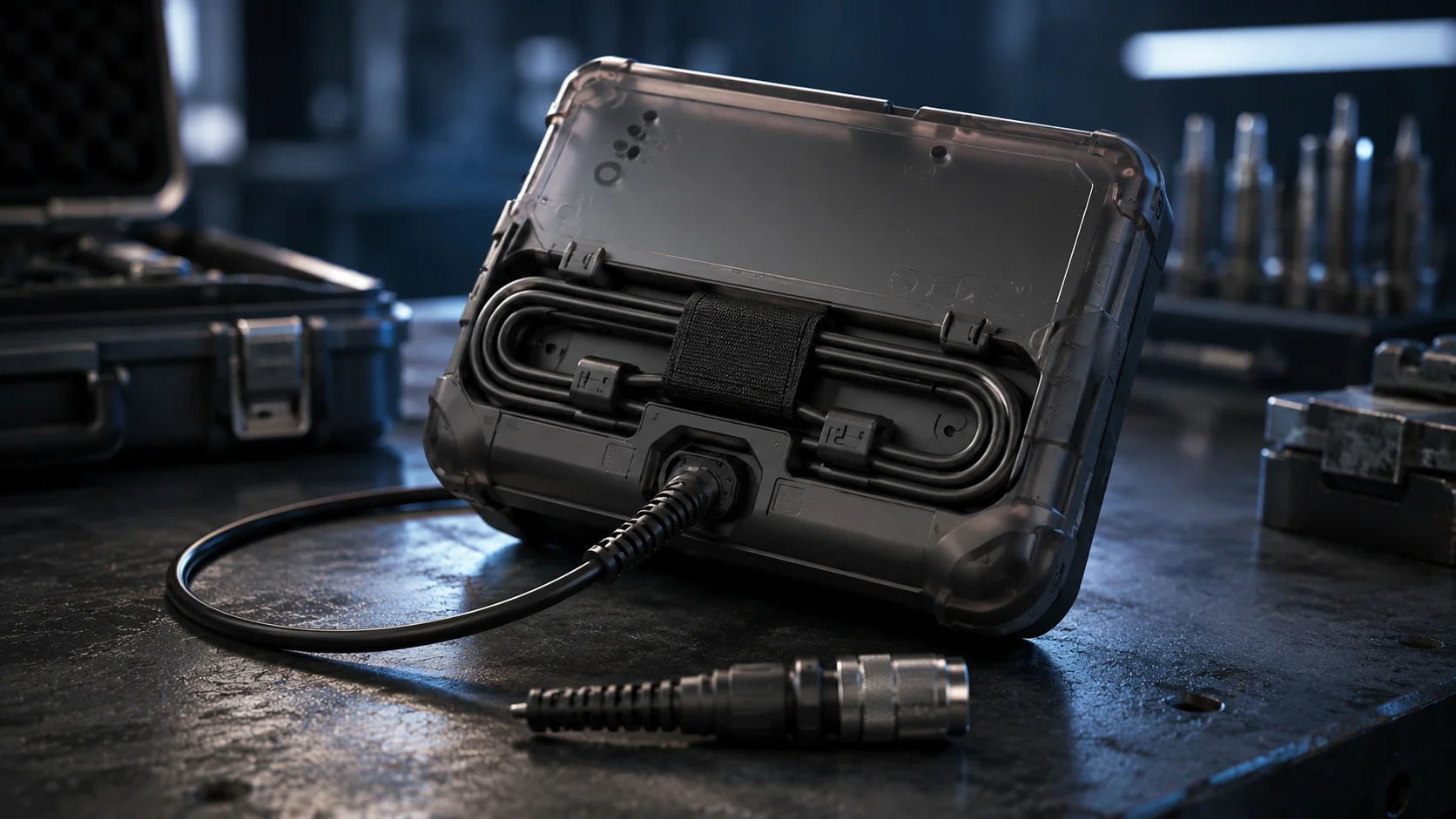
When cables are not adequately controlled, they can get caught up, kink, and eventually fail to function properly. Handheld enclosures must also provide safe routing of cables between disconnect points, while giving the user portability. Cable connections are subject to damage at the connection points due to force applied to the cable. Cables can be damaged at the connector interface when they are bent sharply or pulled hard because of the stress that accumulates on them. Strain relief boots provide longer cable runs for dividing the bending force on multiple conductors. The use of cable wrap features keeps cables from kinking, and also permits the user to organize their cables into stored form. To maintain neatness during transport or storage, simple clips, grooves, or dedicated storage compartments will help users to manage their cables. Connecting and disconnecting these types of devices can be accomplished quickly by using quick disconnect connections. The user can quickly connect to cables, probes, or compressed test leads without fumbling around with threaded connectors or other complicated devices. Therefore, when retracting a cable system, the amount of cable that is wasted, can be eliminated, while the operator still has access to the cable at its maximum length when required. Spring-loaded reels or telescoping arrangements are ideal for use in applications that require variable lengths in measuring equipment.
Field Service Accessibility
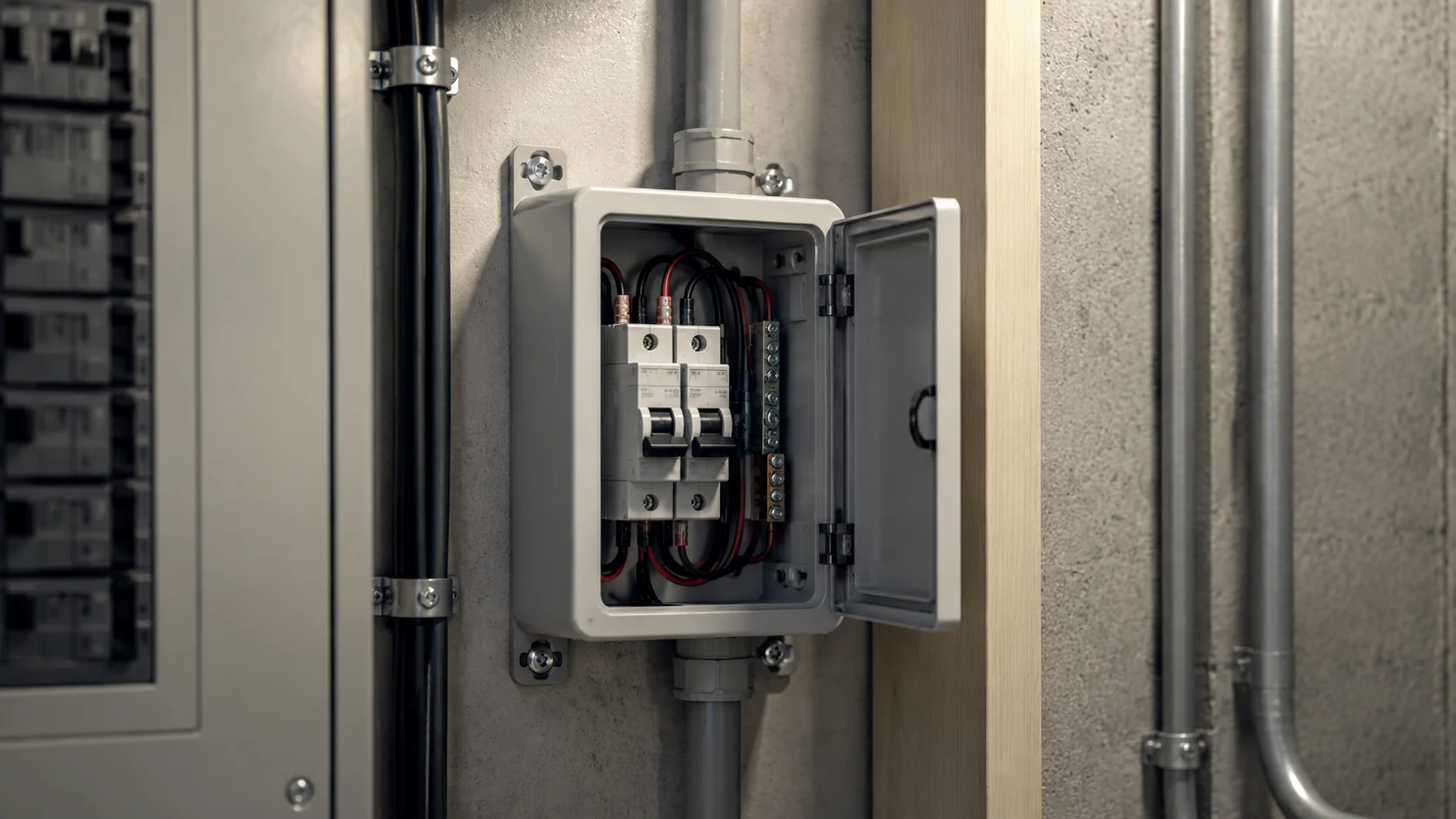
Field technicians need to have quick access to calibrate, repair, or maintain enclosure designs without compromising the enclosures’ environmental sealing. The basic principles for enclosure design provide a means for a technician to access components for service while protecting those components from the external environment. Components that require servicing should be designed to locate as near as possible to the service-access panel and should not require disassembly of the enclosure to access the component. Fuses, calibration adjustment devices, and replaceable modules should be designed to provide access to the components without exposing sensitive electronic circuitry. The need for tools will affect the efficiency of service to the enclosures. In general, Phillips screws can be used in most applications, while special fasteners can prevent unauthorized access but will cause delays in servicing for technicians who are legitimately trying to maintain the enclosure. You will need to give this consideration when determining the level of security required against the level of maintenance required. Procedures for the replacement of gaskets must remain simple enough to allow technicians to perform the replacement procedure in the field; otherwise, returning from the field will result in longer periods of downtime and higher costs for maintenance. I-closure designs generally utilize a one-piece gasket design that can be installed without the need for any special tools or additional alignment fixtures. Technicians require access to maintenance documentation so that they can refer to the proper procedures for maintaining the enclosure. The use of small labels or QR codes, or reference numbers to associate the physical hardware with the available service documentation will aid the technician in being able to identify the proper procedure. Are you ready to have the perfect handheld enclosure designed for your product? Contact IDIS India today for custom solutions that will satisfy your specific requirements. Let our experienced design staff assist you in balancing ergonomic, durability, and functional issues when designing the housing for your portable electronic devices.
Need Help Choosing the Right Enclosure? Get in Touch!